

Nightingale REST Client
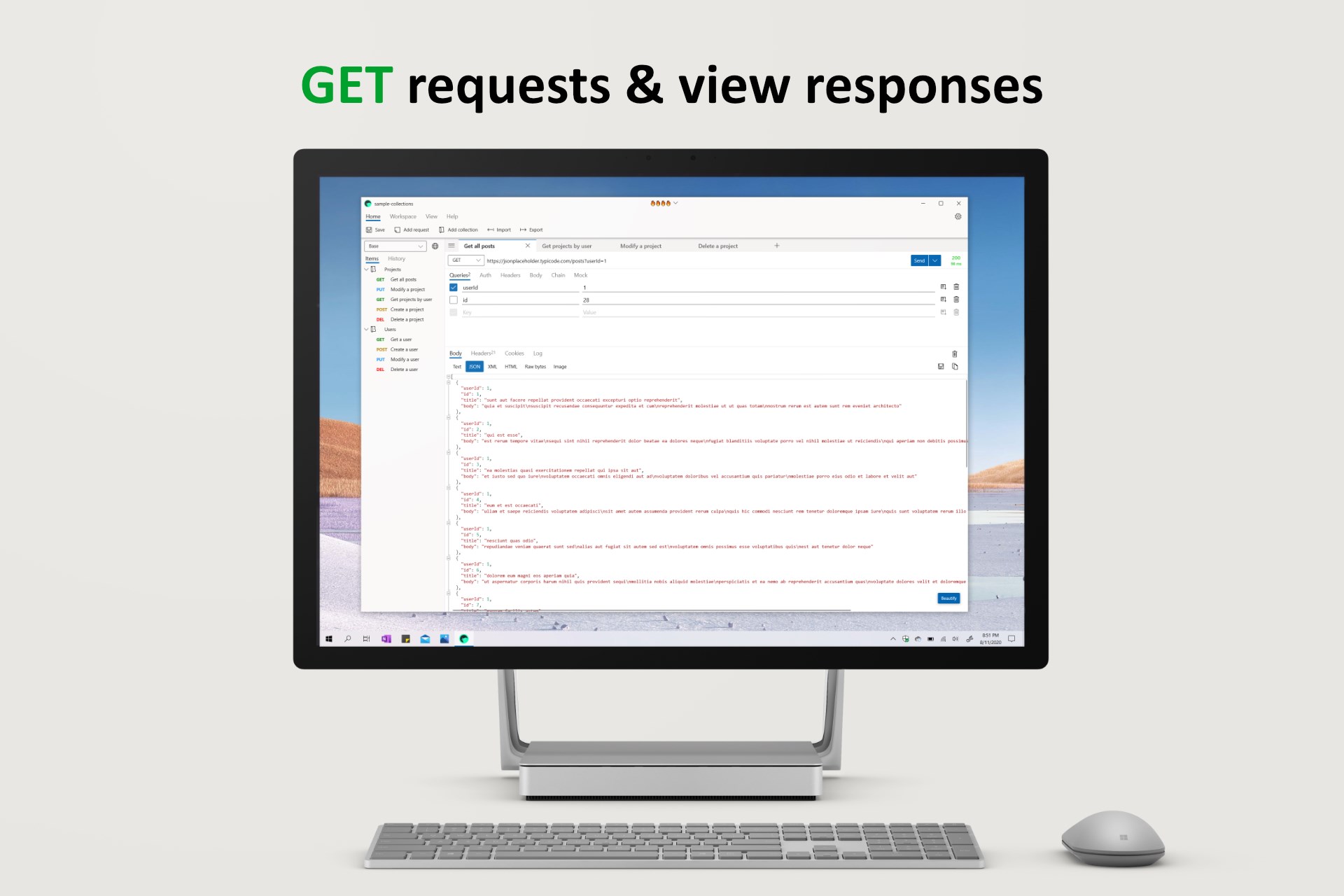
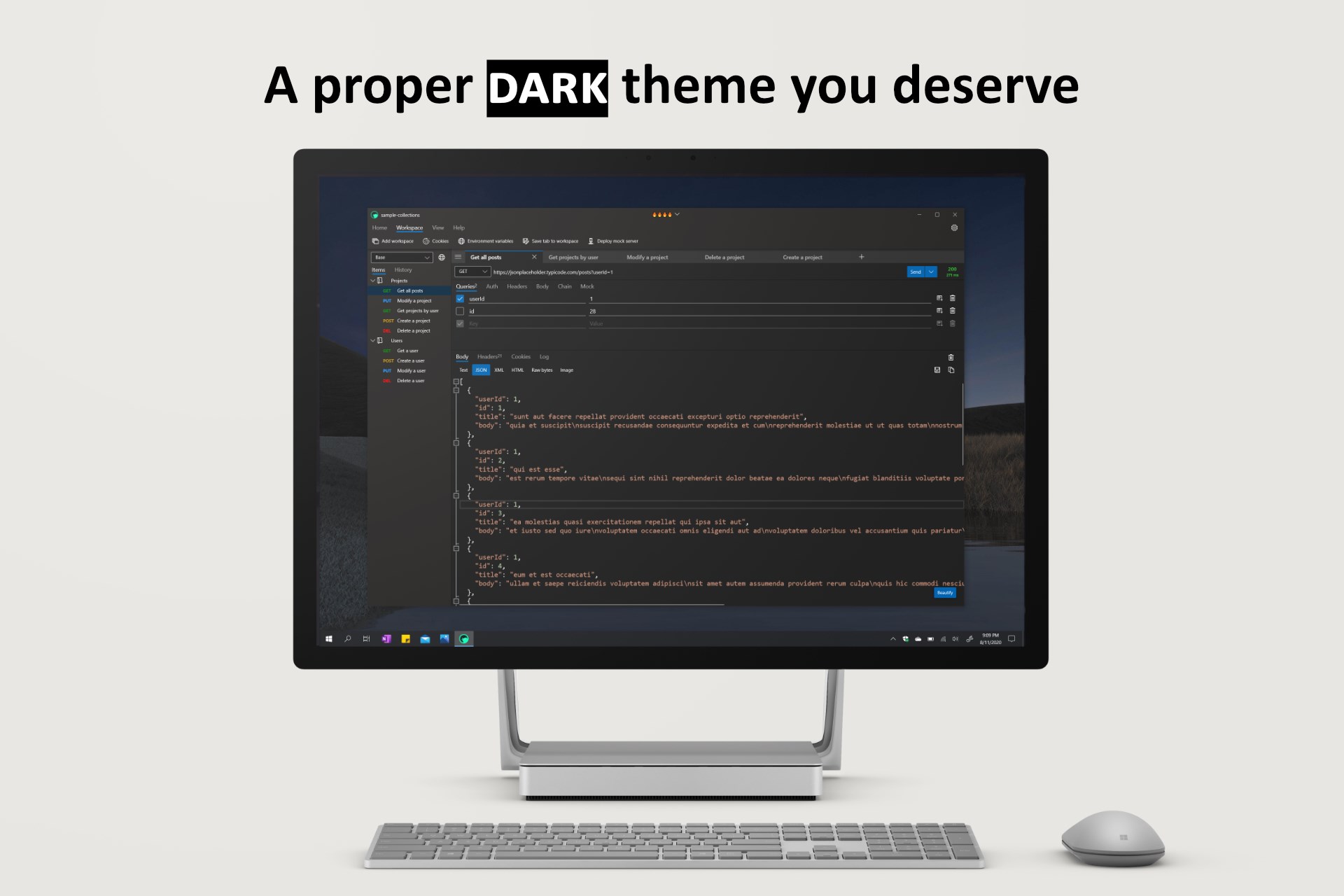
Read our comprehensive review of Nightingale REST Client, a lightweight, high-performance Windows tool designed to streamline your API testing workflow.
The Modern Challenge of API Testing on Windows
Developers and QA engineers frequently struggle with heavy, resource-intensive API clients that slow down their development environment. When you just need to test an endpoint quickly, waiting for a bulky application to load can disrupt your entire development flow. The Nightingale REST Client API tool addresses this exact pain point by offering a highly responsive, lightweight alternative designed specifically for the Windows ecosystem.
What is the Nightingale REST Client API Tool?
Created by Jenius Apps, this software is a native Windows utility engineered for testing and debugging HTTP APIs. Unlike cross-platform alternatives that consume massive amounts of system memory, this tool focuses on speed, efficiency, and a clean user experience. It provides a structured environment where developers can construct, organize, and execute HTTP requests without unnecessary overhead.
Key Features for Seamless API Workflows
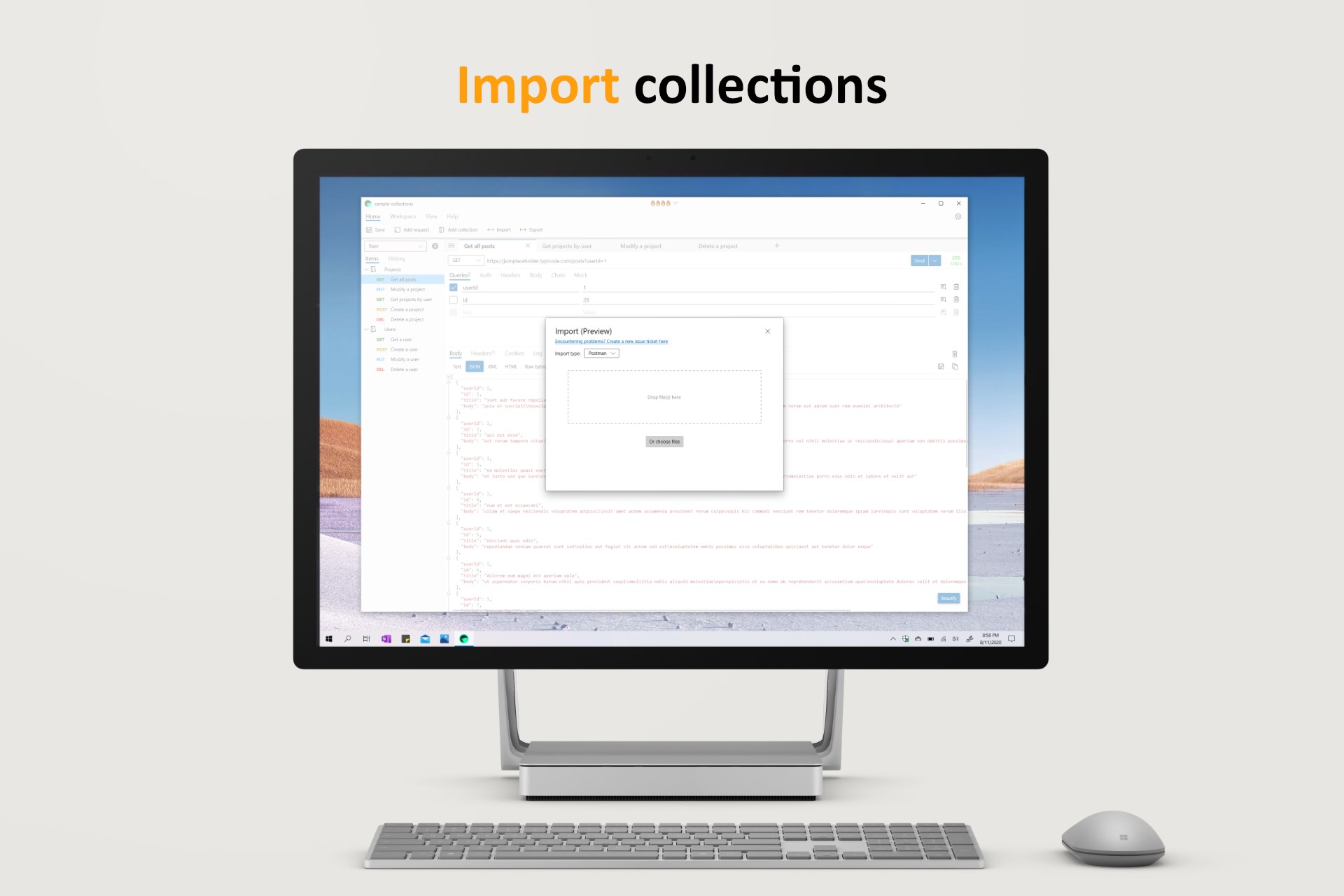
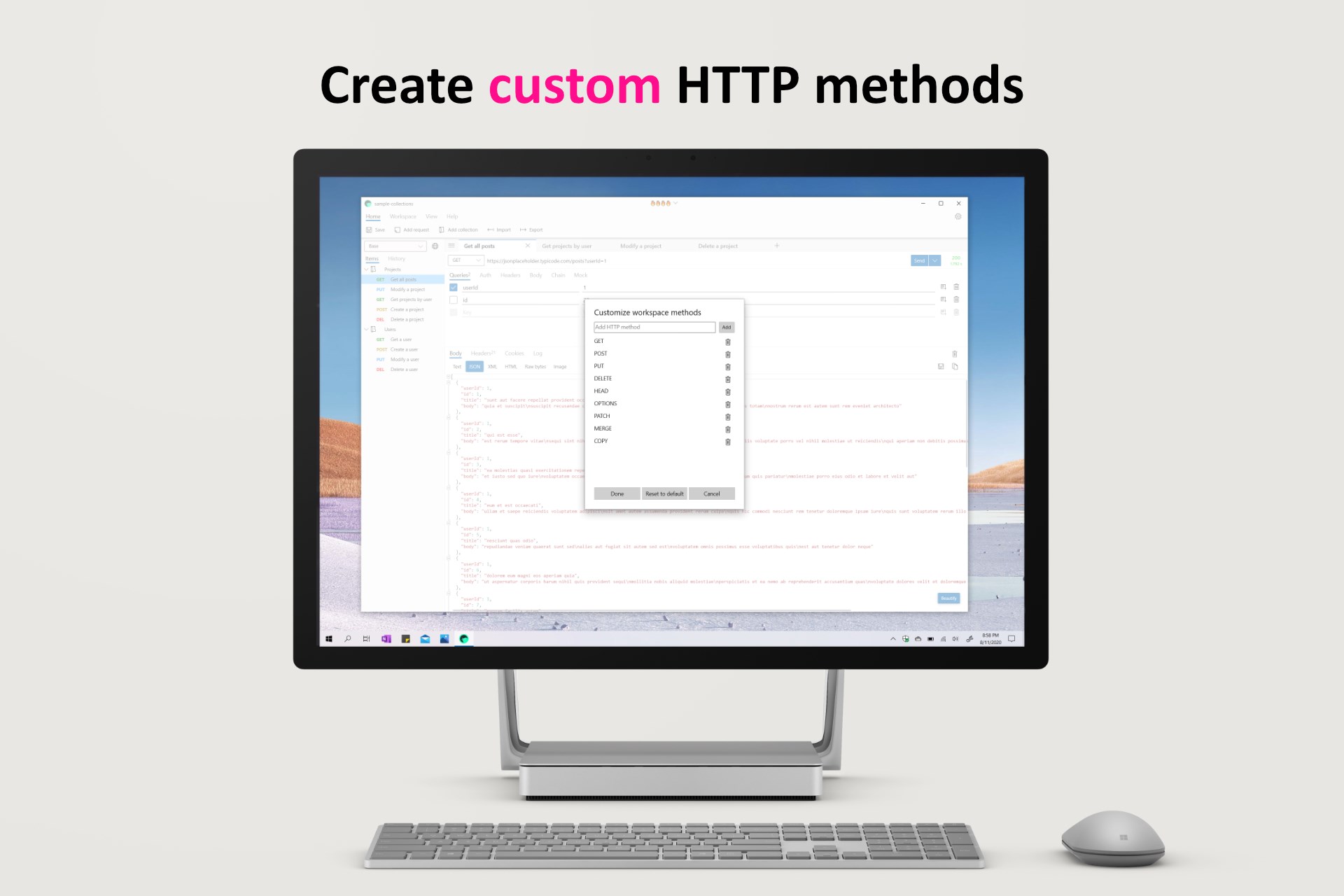
- Comprehensive Request Support: Easily construct and dispatch GET, POST, PATCH, and other standard HTTP requests with custom headers, parameters, and bodies.
- Efficient Batch Collections: Group your requests into logical collections to run multiple queries in organized batches, saving valuable debugging time.
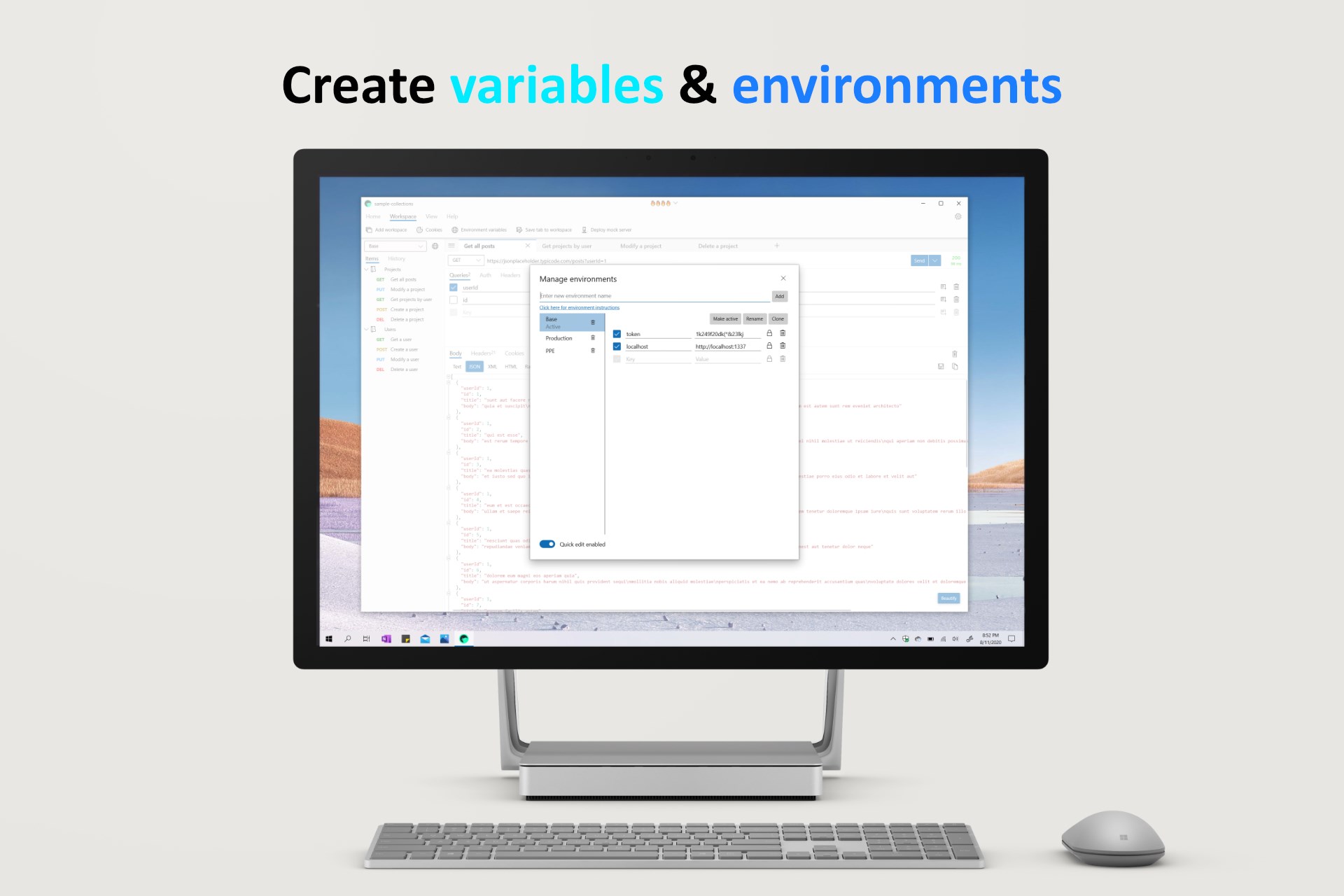
- Multi-Workspace Organization: Segment your projects cleanly by setting up distinct workspaces, ensuring credentials and endpoints for different clients or projects never mix.
- Dynamic Environment Variables: Define and reuse variables across your entire workspace to avoid repetitive typing and manual configuration updates.
- Advanced Variable Chaining: Automatically capture data from a previous HTTP response and inject it into subsequent requests, streamlining multi-step API workflows.
Who is This Windows REST Client For?
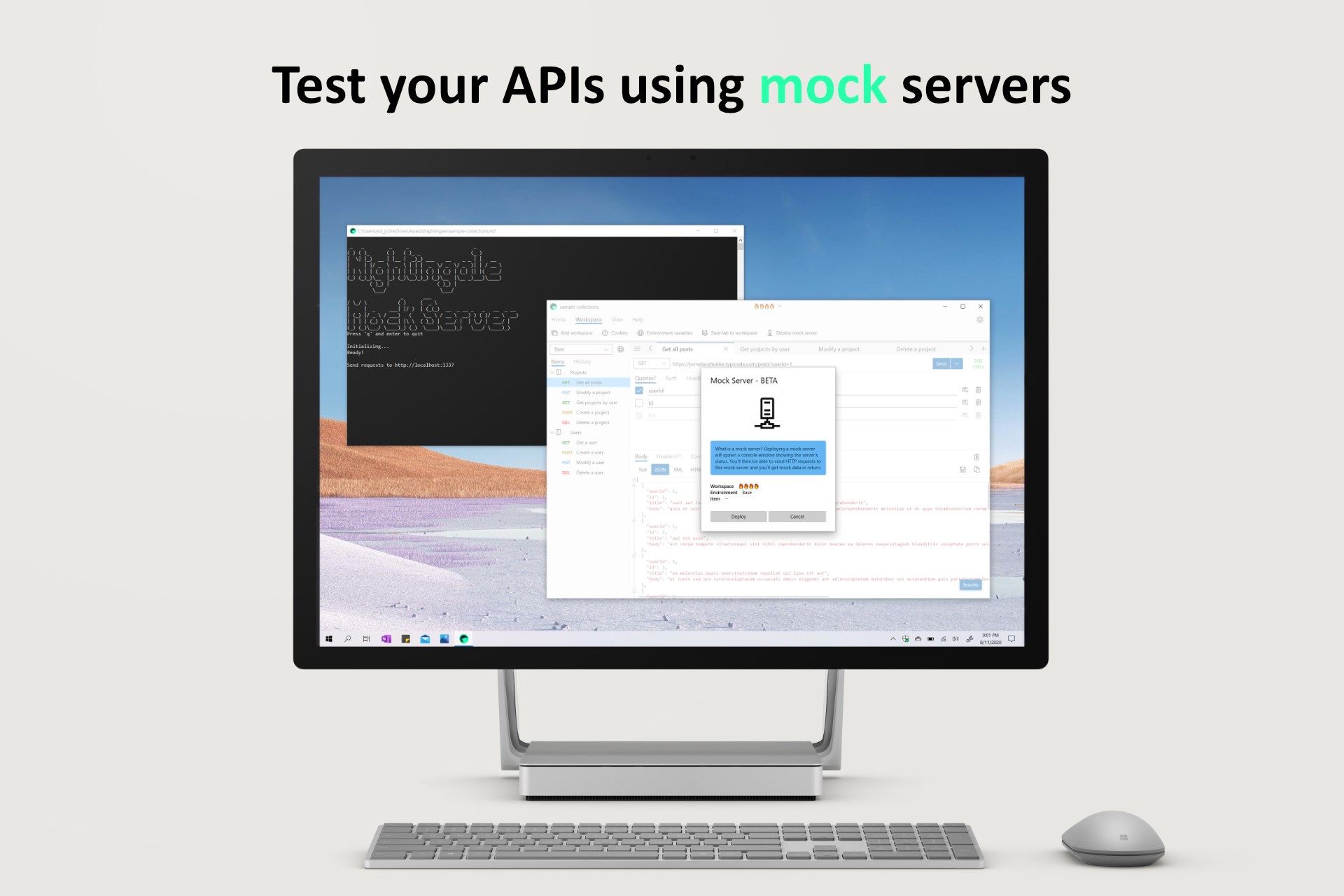
If you are a backend developer, integration specialist, or QA engineer working primarily on Windows, the Nightingale REST Client API tool is tailored for your daily routine. It is particularly beneficial for those running resource-constrained local environments who need a fast, native interface that handles complex environment variables and sequential request chaining without lagging.
Streamline Your Development Pipeline
By prioritizing a resource-friendly architecture, this tool ensures that your system resources remain available for compiling code and running local servers. The inclusion of variable chaining and multi-workspace support elevates it from a simple testing utility to a powerful companion for complex integration tasks.
To experience this fast, modern utility firsthand, head over to the official Microsoft Store to download the application for your Windows device.