
File Viewer Plus
Discover File Viewer Plus, the ultimate universal file opener for Windows. Read our in-depth review of its features, supported formats, and performance.
The Ultimate Solution for Unidentified Files
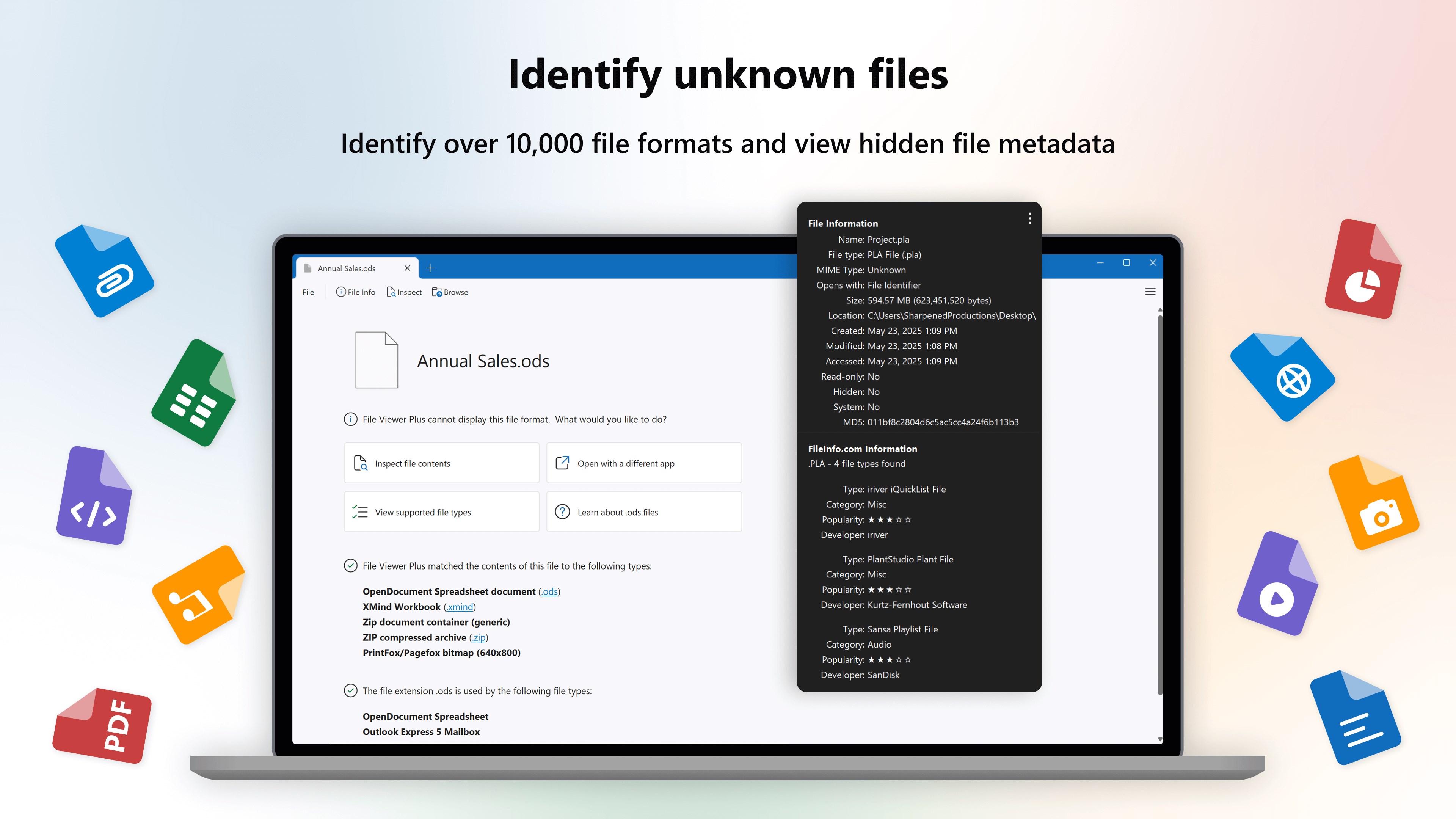
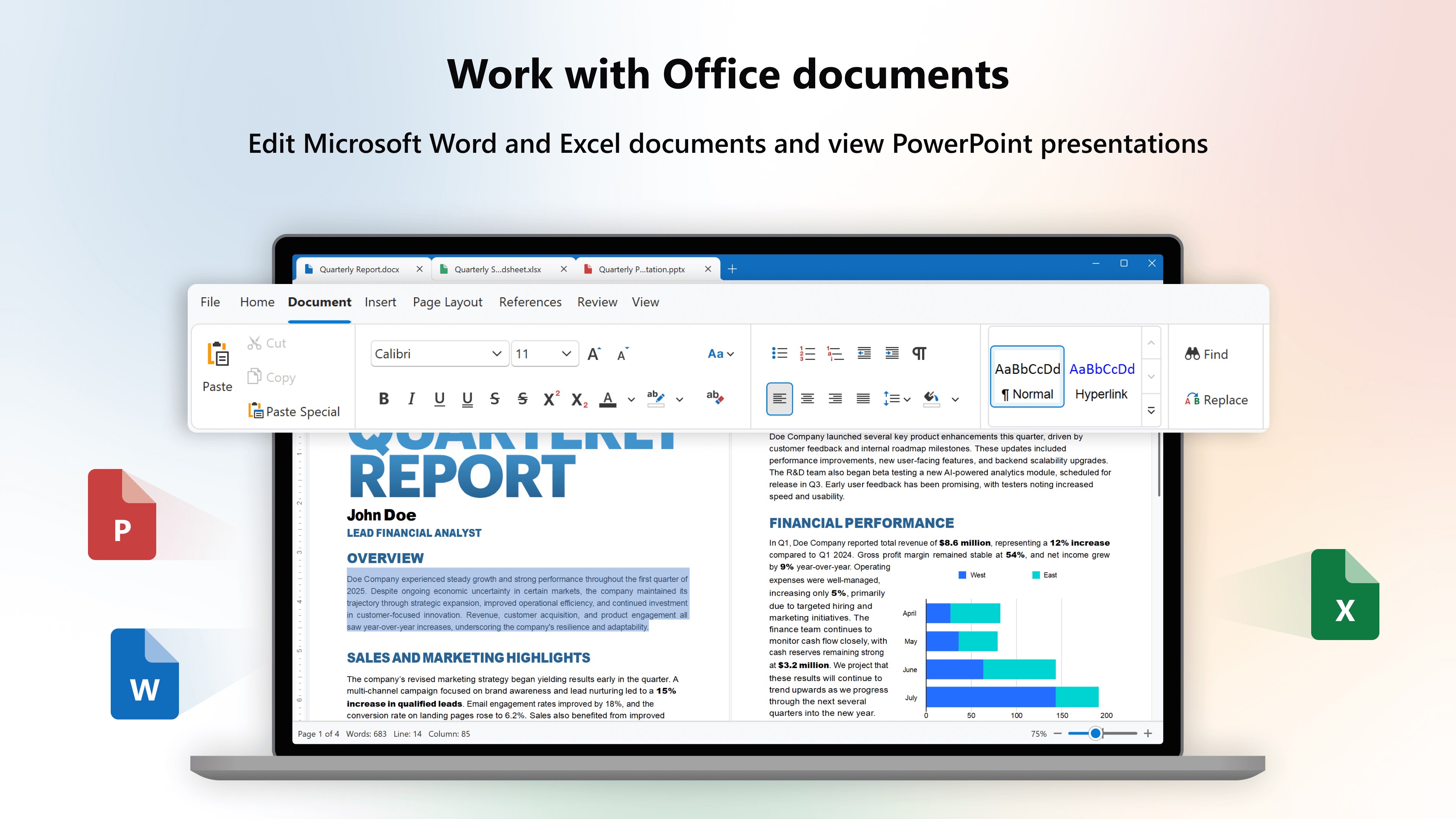
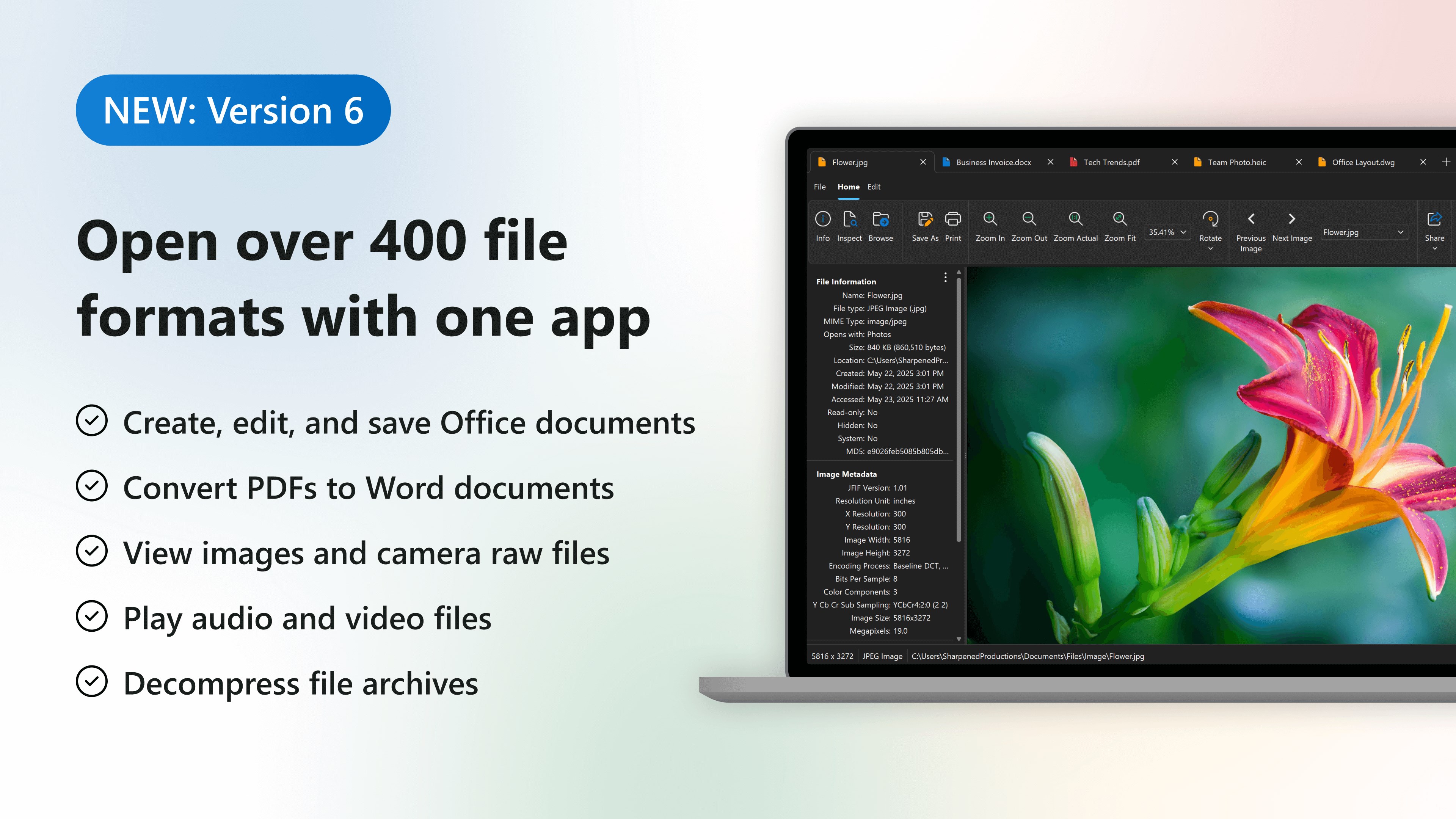
We have all experienced the frustration of double-clicking a document, media file, or compressed archive, only to be met with a Windows error stating that no program can open it. File Viewer Plus universal file opener solves this digital headache by offering a single, powerful application designed to open, view, and convert over 400 different file formats seamlessly.
Developed by Sharpened Productions, this utility is far more than a simple document reader. It serves as an all-in-one hub that replaces the need for dozens of specialized, expensive software installations. From standard office documents to complex 3D CAD drawings and obscure camera raw images, this tool handles them with remarkable ease.
Key Features of the File Viewer Plus Universal File Opener
- Extensive Format Support: View, browse, and read over 400 formats including PDFs, Microsoft Office files, spreadsheets, presentations, and Visio drawings.
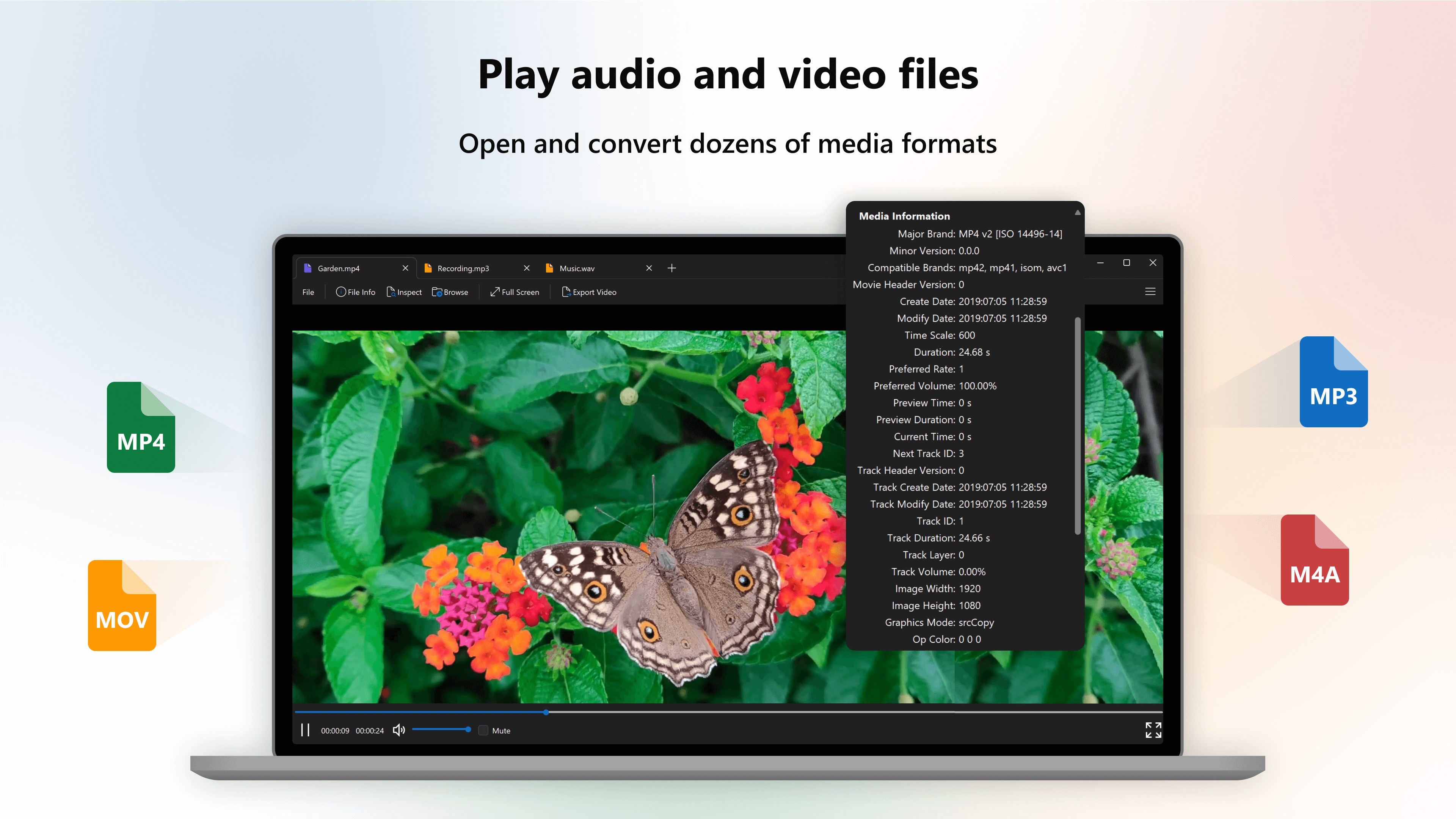
- Advanced Media Playback: Play a wide variety of audio and video formats directly within the app without needing external codecs.
- Robust Archive Extraction: Open and selectively extract files from compressed archives like ZIP, RAR, 7-Zip, and TAR.
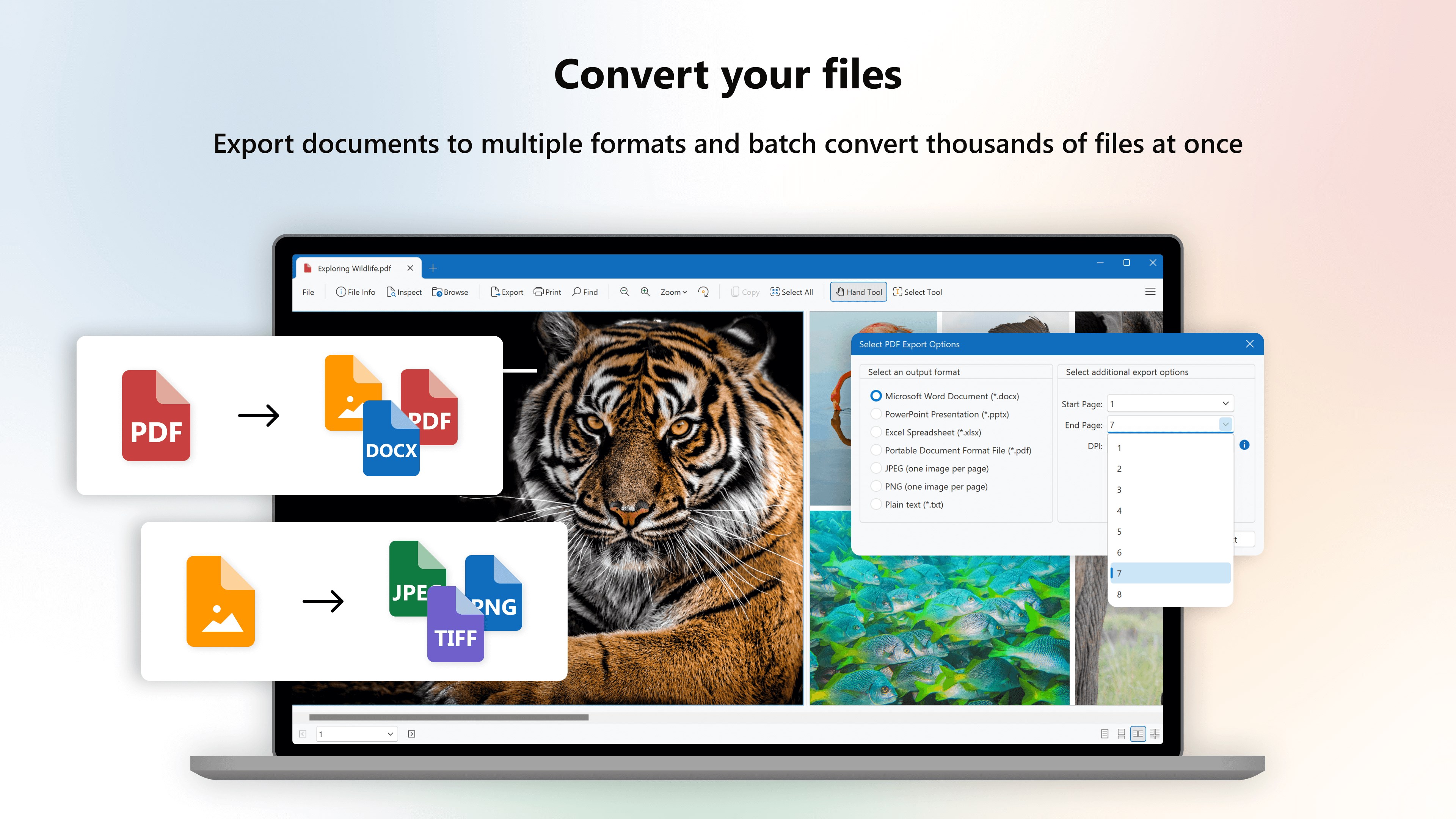
- Built-In File Conversion: Convert PDFs to fully editable Word documents, or turn XPS files into standard PDFs.
- Smart File Identification: If you encounter a file without an extension, the built-in file identifier can analyze and detect over 10,000 different file formats.
Who Benefits Most From This Tool?
The File Viewer Plus universal file opener is an indispensable asset for office administrators, IT professionals, and general users who regularly receive diverse file types from different clients and platforms. Instead of purchasing separate licenses for CAD software, vector graphic editors, and specialized media players, users can rely on this single Windows application to inspect files instantly.
It is also highly valuable for software developers and web designers, featuring built-in syntax highlighting for dozens of source code languages, making code inspection quick and efficient.
Pros and Cons
Pros:
- Eliminates the need for multiple software installations.
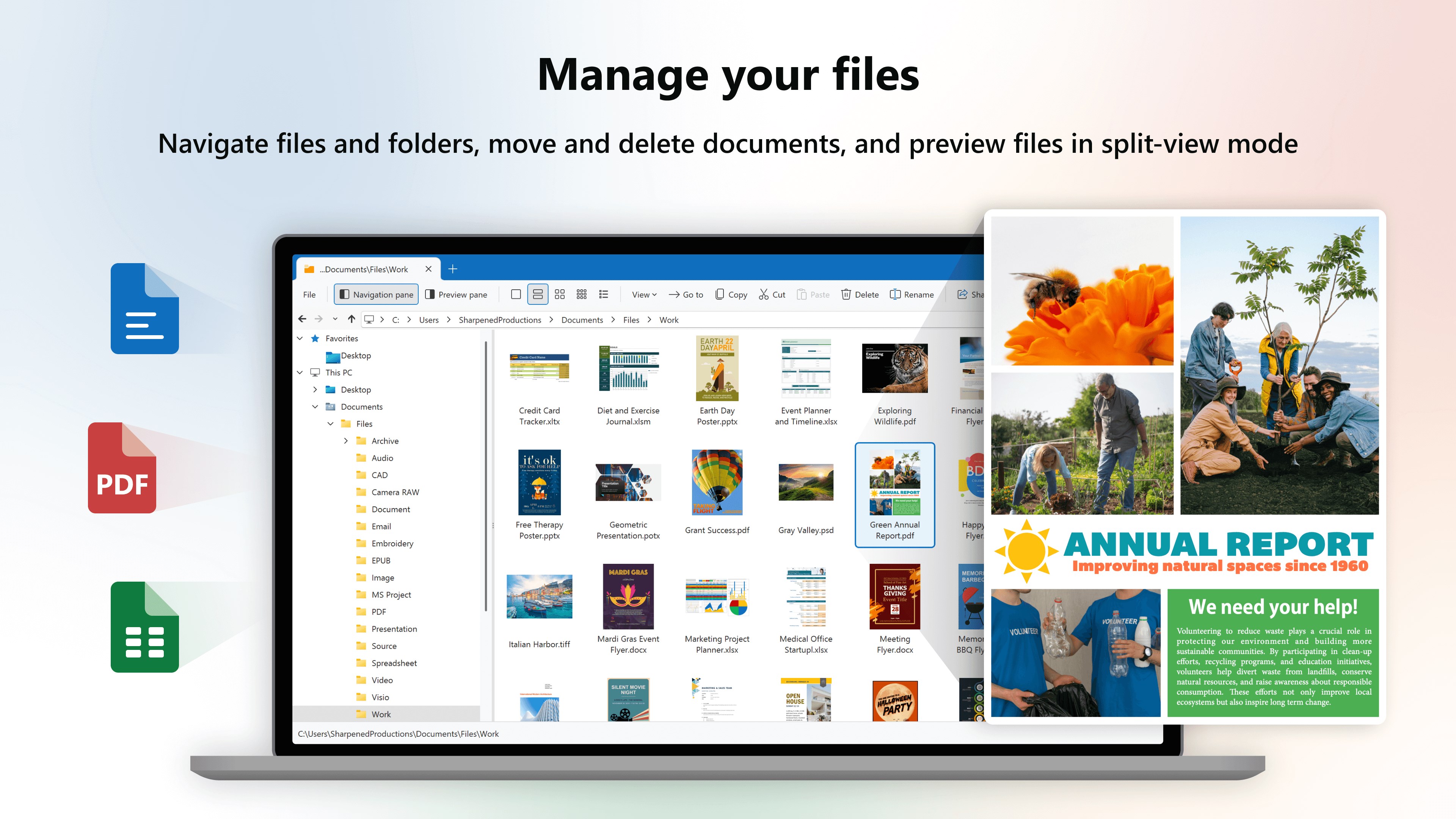
- Clean, intuitive user interface featuring an all-new file manager.
- Superb handling of heavy CAD drawings and high-resolution camera raw formats.
- Incredibly fast startup times compared to heavy-duty editing suites.
Cons:
- Available exclusively for the Windows platform.
- Advanced conversion and editing features require a premium subscription after the trial period.
Our Editorial Verdict
If your daily workflow involves managing a chaotic mix of file types, the File Viewer Plus universal file opener is a highly recommended addition to your digital toolkit. It saves time, reduces software licensing costs, and keeps your system clean of unnecessary single-purpose programs. To try it out for yourself, head over to the official Microsoft Store to download the application and explore its capabilities during the 14-day full access trial.