

WiVRn Server
Discover how the WiVRn server streams high-fidelity PC VR games directly to your standalone headset with low latency and advanced tracking features.
Stepping into virtual reality without tethering cables is a liberating experience, and the WiVRn server VR streaming solution is designed to make that transition seamless for Linux users. By bridging the gap between your powerful PC hardware and a standalone headset, this open-source server software allows you to enjoy demanding desktop-class VR titles without being physically anchored to your desk.
How the WiVRn Server VR Streaming Experience Works
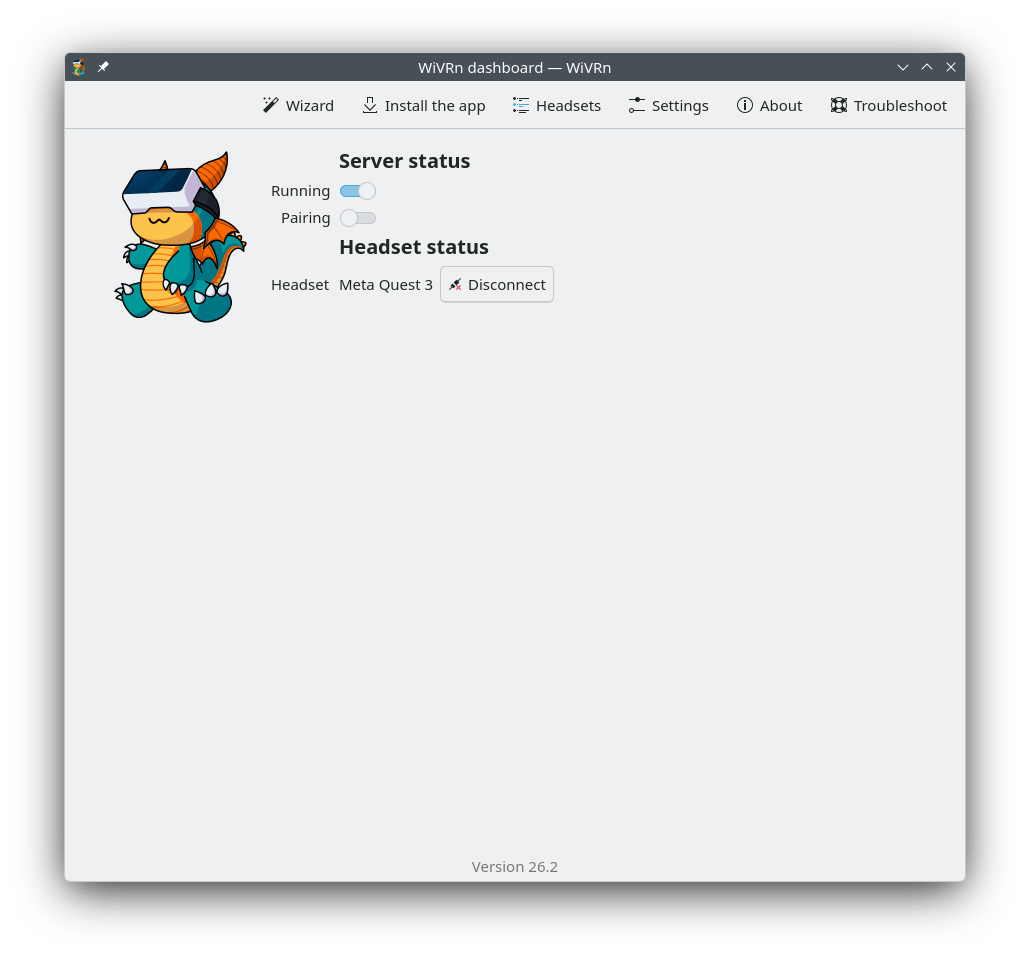
Unlike traditional wired setups, this utility processes your PC VR games on your computer and streams the compressed video feed directly to your headset over your local network. It works in tandem with a dedicated client application installed on your standalone device. By handling the heavy lifting on your Linux PC, you get the visual fidelity of desktop gaming combined with the physical freedom of a standalone device.
Advanced Tracking and High-Performance Encoding
To ensure an immersive experience, the software supports a wide array of modern VR features designed to keep your virtual interactions precise and responsive:
- Comprehensive Input Support: Fully compatible with controller tracking, hand tracking, eye gaze tracking, and full-body tracking, depending on what your hardware supports.
- Robust Application Compatibility: Stream games via OpenXR and OpenVR applications using xrizer or OpenComposite.
- Low-Latency Audio & Video: Features optimized audio streaming and microphone pass-through alongside high-efficiency video compression.
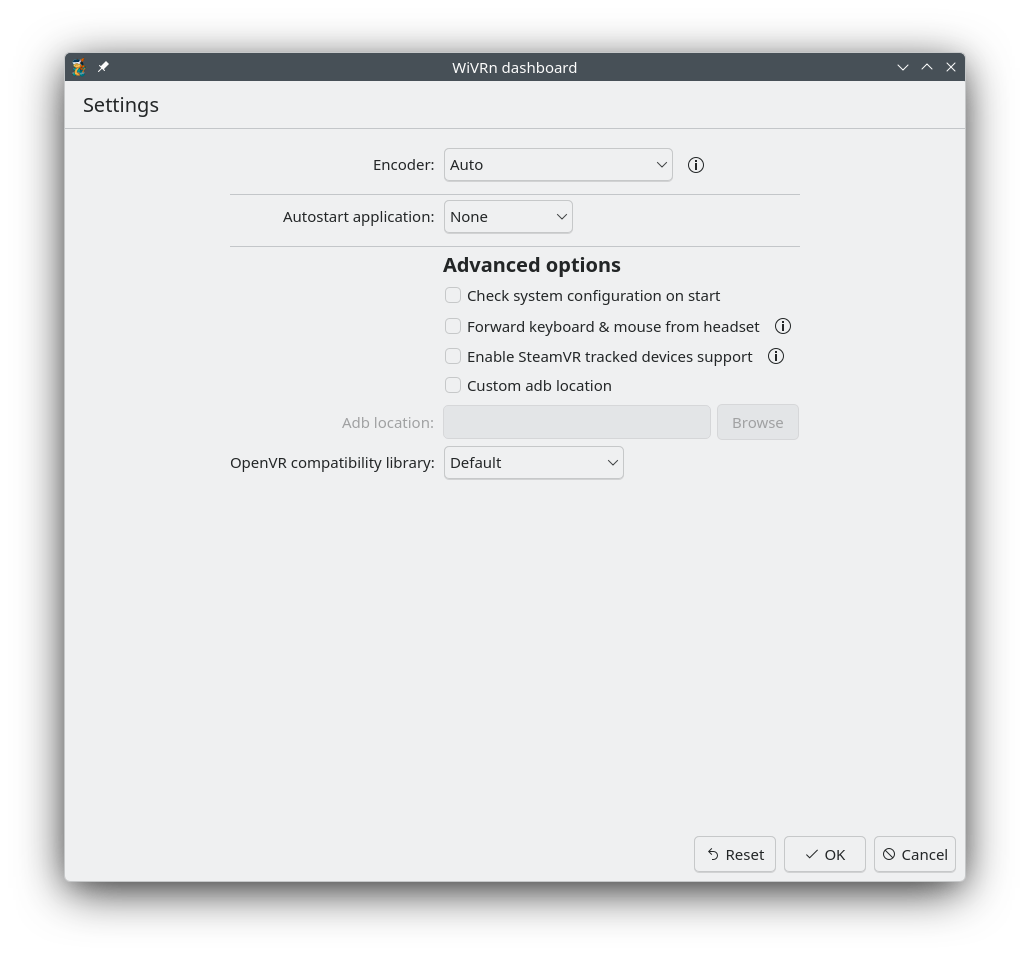
- Hardware-Accelerated Compression: Leverages Vulkan video encode, VAAPI, or NVENC for minimal CPU overhead, with an x264 software fallback.
Supported Headsets and Requirements
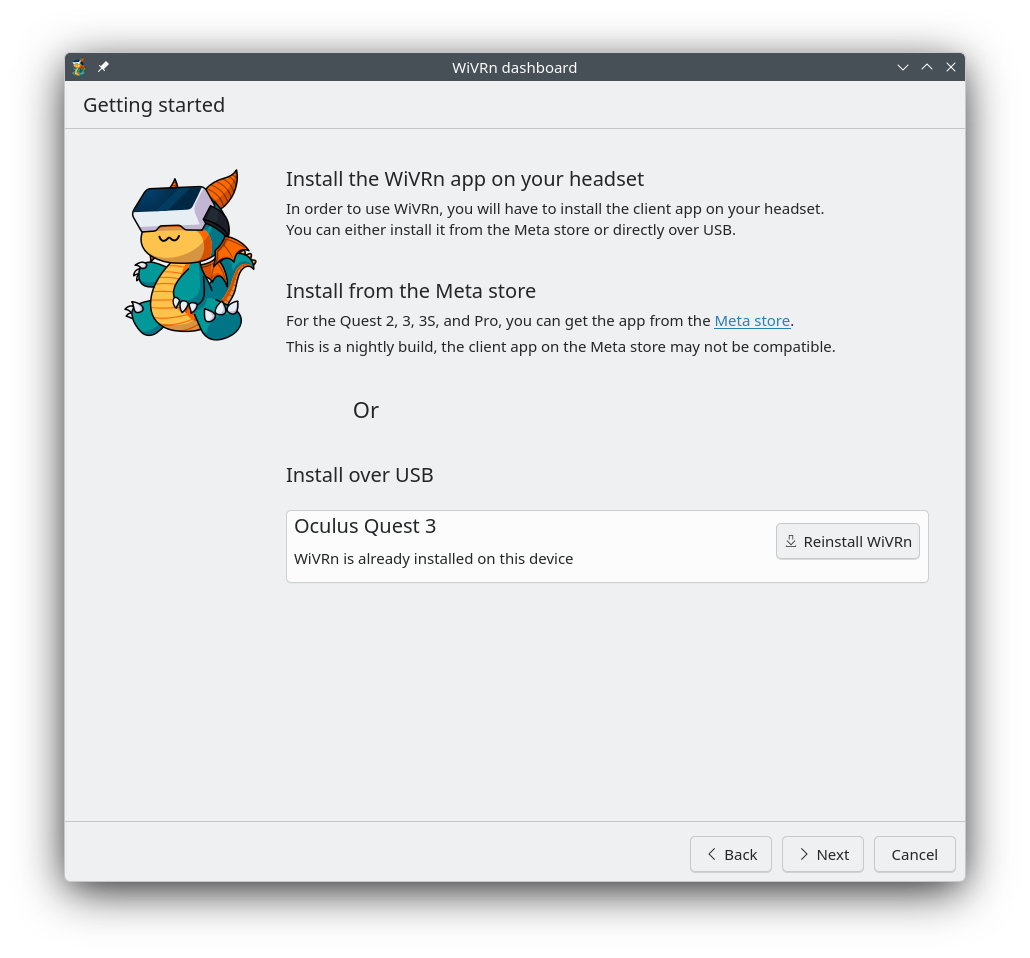
The server is highly versatile, supporting popular standalone hardware including the Meta Quest (1, 2, 3, 3S, Pro), Pico Neo 4, HTC Vive Focus 3, XR Elite, and the Samsung Galaxy XR. Because it runs on the Linux platform, it provides an invaluable tool for open-source enthusiasts looking to maximize their gaming hardware's potential.
Is This the Right VR Solution for You?
If you run a Linux desktop and want an independent, highly configurable way to stream your SteamVR or OpenXR library to a mobile headset, this tool is an exceptional choice. It bypasses proprietary ecosystems to give you granular control over your streaming codecs and tracking data.
To get started with your wireless PC VR setup, check out the official deployment files and documentation on the Flathub store page.