
Minecraft
Discover our comprehensive review of Minecraft on Linux. Explore its creative potential, gameplay features, and how to access the official release.
The Ultimate Creative Escape on Linux
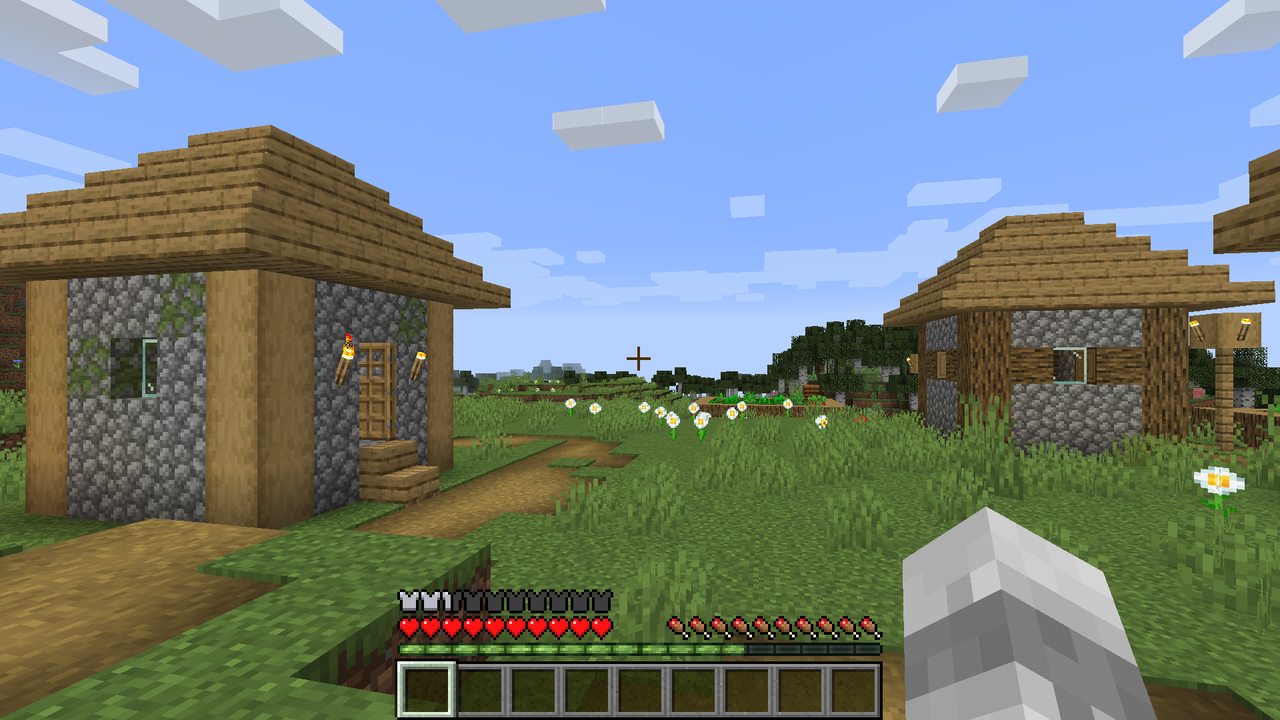
Modern life often leaves us feeling constrained, bound by routines and pre-determined paths. Finding a creative outlet where you dictate the rules can be a challenge. This is where the Minecraft sandbox building game steps in to solve that exact problem. It offers players an infinite canvas of block-based terrain where the only limit is your own imagination, providing a therapeutic escape from the structured world.
As a legendary title in the games category, this open-world phenomenon allows you to craft, explore, and survive in a procedurally generated universe. Whether you are looking to build sprawling architectural marvels or simply want to unwind by farming and raising livestock, the game adapts entirely to your pace and playstyle.
Key Features of the Minecraft Sandbox Building Game
- Limitless World Generation: Every new map is a unique frontier of mountains, caves, forests, and oceans waiting to be discovered.
- Dual Gameplay Modes: Choose Creative mode for unlimited resources and flight, or Survival mode to gather materials, manage hunger, and fend off nocturnal creatures.
- Multiplayer Integration: Connect with a global community or set up private sessions to collaborate on massive building projects with friends.
- Cross-Platform Community: Join millions of active players worldwide who share tips, custom creations, and endless inspiration.
Who Is This Virtual World For?
Developed by Mojang AB, this game is a perfect fit for creative minds, virtual architects, and survival enthusiasts alike. It is highly recommended for families looking for a collaborative activity, as well as solo players seeking a relaxing yet engaging experience. Linux users will appreciate having a dedicated wrapper available to help run this classic title smoothly on their system.
How to Get Started Safely
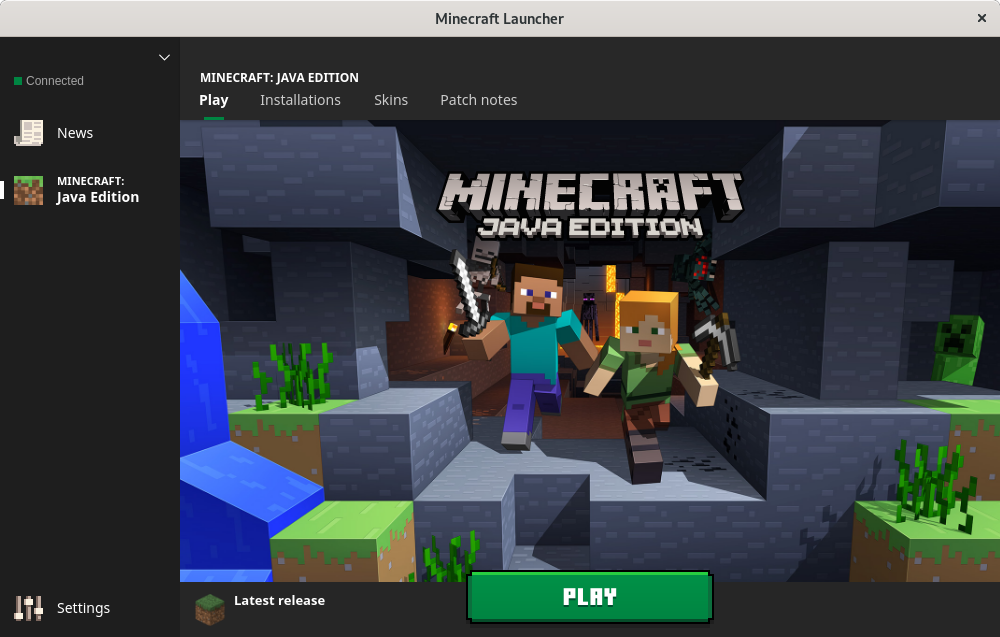
To enjoy the best possible gameplay experience, we highly recommend visiting the official website to set up your account and purchase the game securely. Once your account is ready, you can obtain the official Linux client through secure repositories like Flathub to ensure a seamless setup on your system. Ready to start your next great adventure? Head over to the official Flathub store page to get started.